
FPV
mechfpv 008D 5.8G 40CH Diversity FPV Goggles w/ DVR (4.3" Screen)
Specifications
Description:
008D Mini FPV Goggles with DVR (Dual Antenna / Diversity)
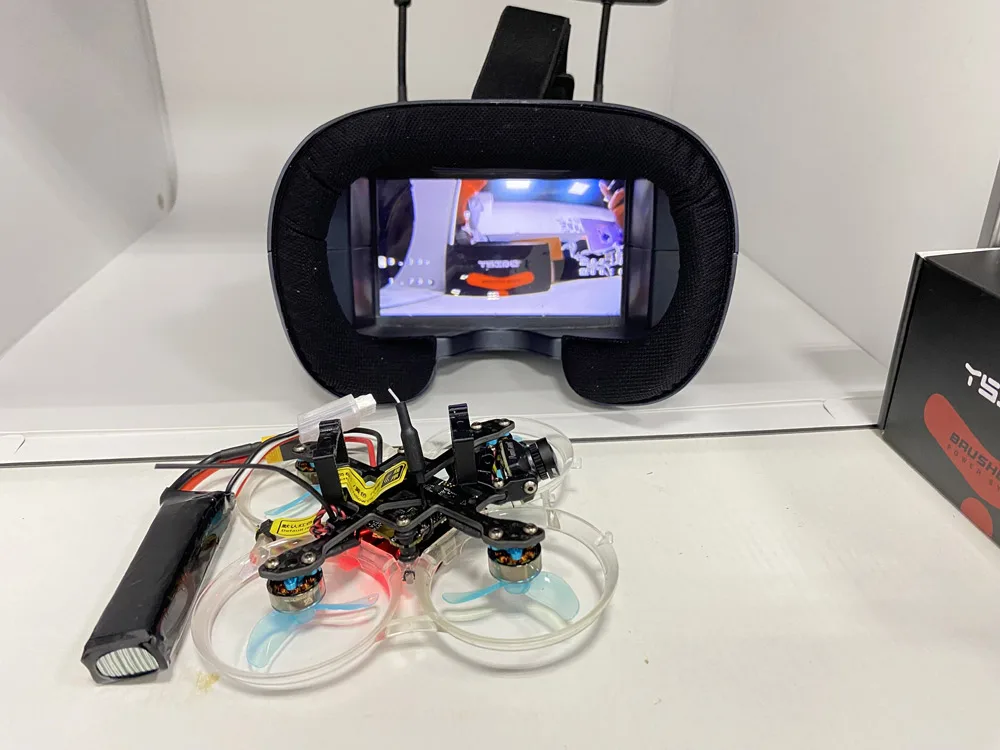
# Separable design ,4.3 inch screen canbe used as small monitor on radio controller or with tripod
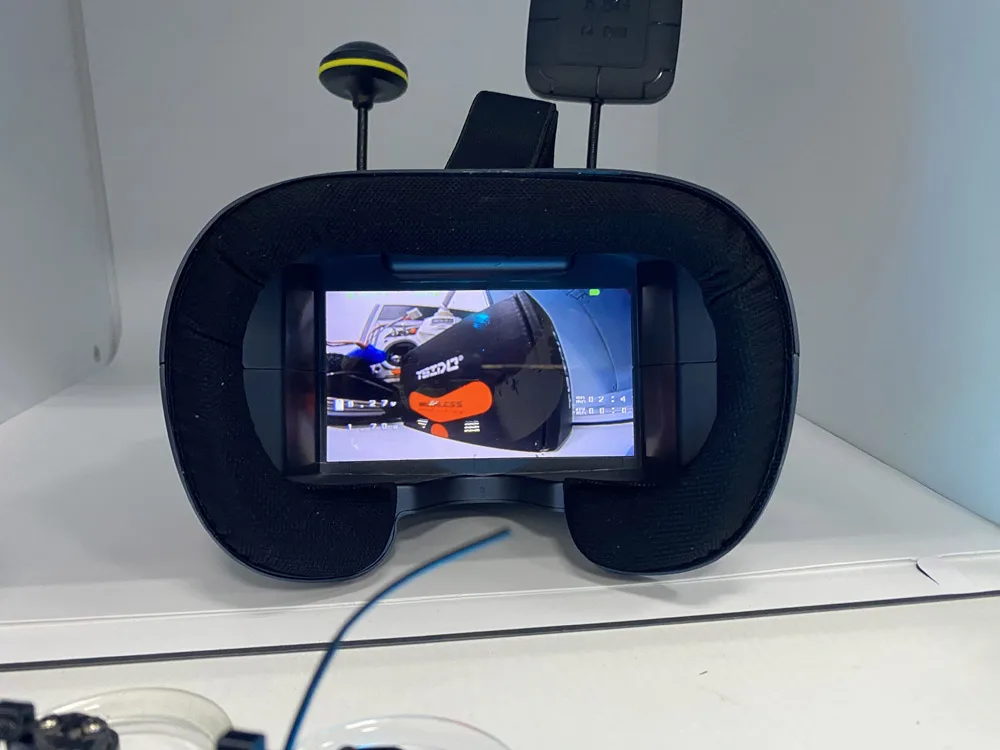
# High brightness 4.3 inch LCD specially tuned for FPV racing or Model airplane
# Buit-in super sensitiveness 5.8GHz 40ch receiver,especially with RaceBand.
# Come with advanced auto-searching function ad show yout the working frequency on screen
# Buit-in 3.7V/2000mA battery ,each full charge revive around 2 hours woking time
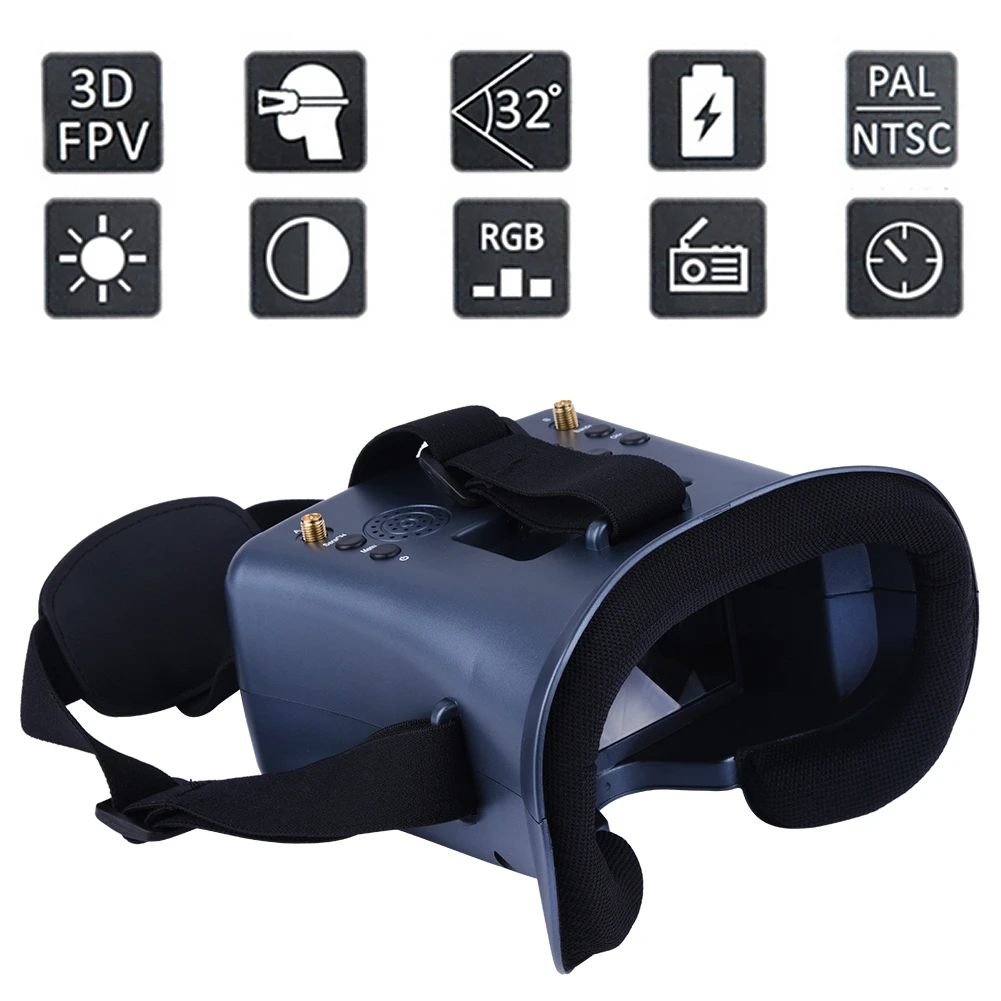
# Ergonomic design fit your faces
# 92%transparent lens adopted ,no distort,no blur on the adage of screen;
# Light weight 375g with 2hr 2000mAh battery,RTF for any scale,racing ,Model airplane game
# 4.3 inch 800*480px HD high brightness LCD
Product Specification:
Body
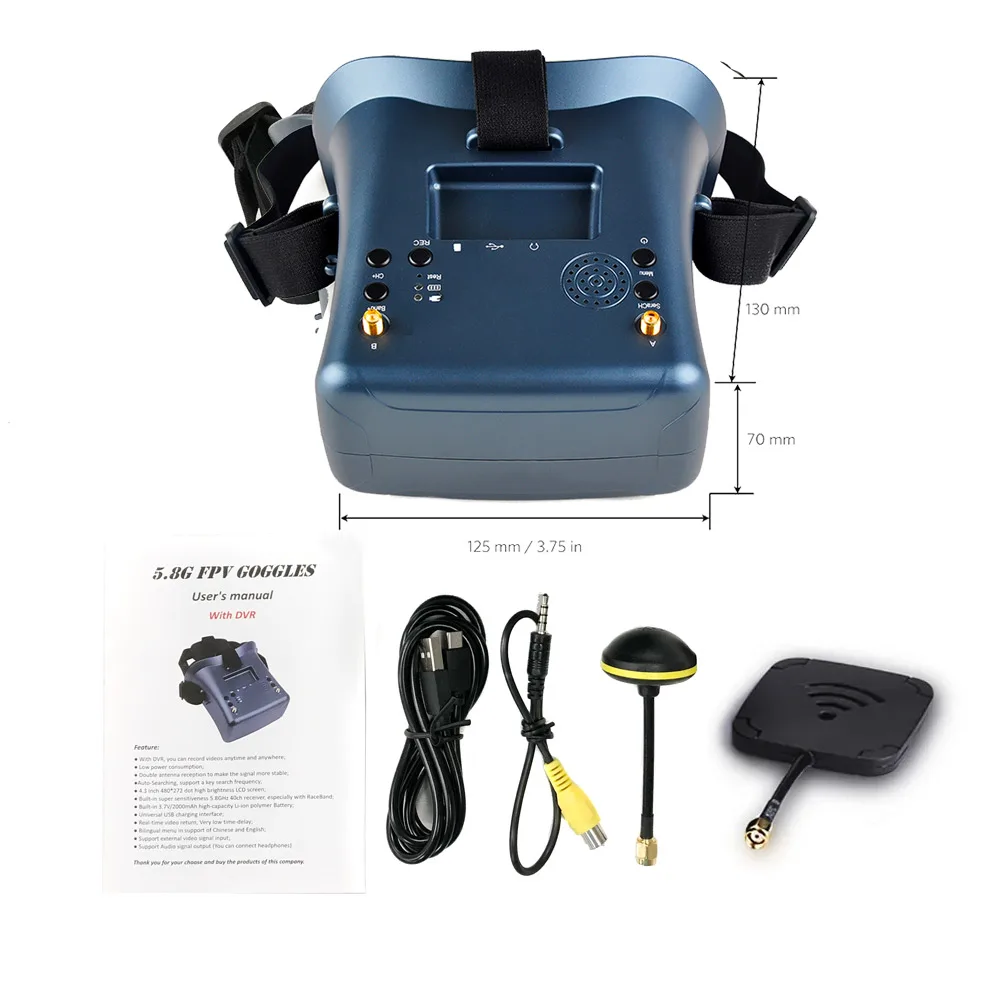
Dimension: 155x144x113mm
Weight: 375g with 2hr 2000mAh battery
Belt: three-Ways adjustable belt
Screen
screen size: 4.3 inch
Screen resolution: 800*480(No blur after enlarge by the lens)
Screen brightness; 300cd/m2 with special high brightness backlight LED for outdoor FPV
View Angle: 12 O'CLOCK
Lens
2.8x boost of the video to acquire intense feel-in-there video
92% transparent rate no distort of light
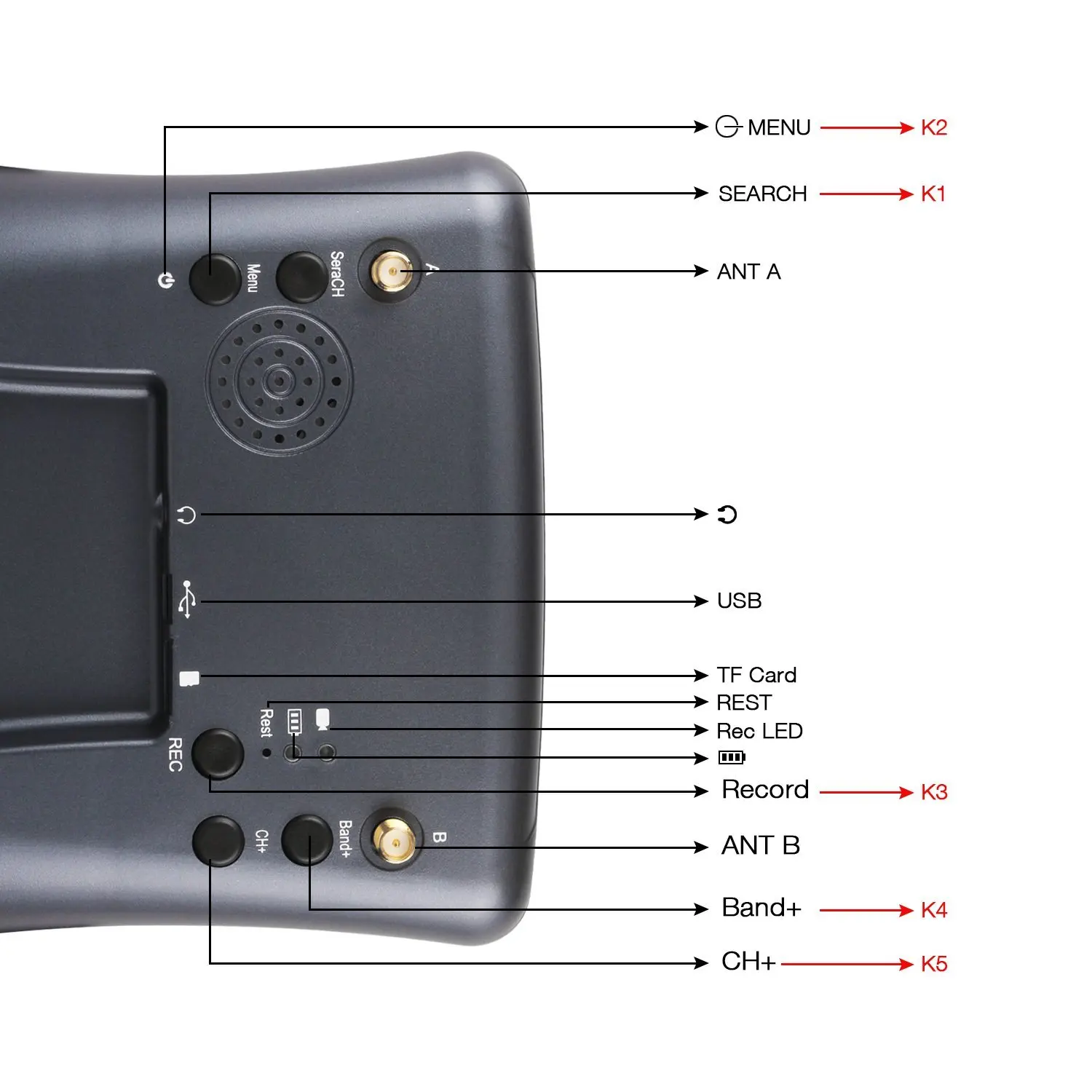
JACK
Input CVBS
Headphone sound output
TF Card(C10) Max32G
USB DC5V IN, the device operating current of 550mA@5V,built-in battery maximum charge current of 750mA@5V; if the device is working when charging, please pay attention to selecting the rated current greater than 2A/5V charging equipment.
Battery:
Built-in 3.7V/2000mAh high-capacity polymer battery, when the battery is charging, the device the red LED will light when charging is completed, here are bright green LED.
Operation Instructions
KEY
K1: Search/AV
Default mode, Short press for automatically search signals to a certain signal strength and stops on that channel; Long press switch RF MOD and Long press for AV MOD; In Play mode, pressed jump volume adjust OSD.
K2: MENU/Power
Default mode, Short press for MENU OSD; Long press 3S for Power OFF/ON; MENU pressed, this button is use as the Return.
K3: REC/Play/OK
Default mode, Short press for recording /STOP; Long press for Play mode; MENU pressed, this button is use as the confirmed.
K4: Band+/VOL+
Default mode, Short press for Band+ option A,B,D,E,F,R cycle selection; Long press for Volume control -; MENU pressed, this button is use as the UP.
K5: CH+/VOL-
Default mode, Short press for CH 1~8 cycles; Long press for Volume control +, MENU pressed, this button is use as the DOWN.
Playback
Call MENU and select Playback (Short Press K1 button to call menu, and use K3 button to select Playback mode; Or long pressed K3 )
Review/Replay in Playback mode (Playing Short K1 jump volume adjust OSD)
Buttons have different function in playback mode
Record file: AVI
px progressive
Support up to 32G TF card (C10 recommend)
K2: Playback menu (volume control/file delete/protect)
K4: UP/ fast backward<<
K5: DOWM/ fast backward>>
K3: Select/Play/ Pause
K1: Quit Playback mode